Offline page builder
One HTML file. Choose a style, add photo copies and words, then save or print. Works locally on a computer.
Actual offline builder, printable page plans, story workbook and optional planner. Practice family content is fictional. Devices and printed materials are not included.
THE COMPLETE DIGITAL SCRAPBOOK TOOLKIT
Your photographs.
Your stories. A page to keep.
Turn family photographs and memories into scrapbook pages you can edit, print and keep.
One payment · Checkout through Whop
Download after purchase
Find your files in your Whop library. Nothing is shipped.
Desktop or laptop recommended. Real-phone downloads, saving and printing are not verified.
The complete 42-file toolkit: offline page builder, 24 page plans in two sizes, a fillable story workbook, optional album planner, caption tools, illustrated guides and three fictional practice projects.
See everything includedAfter checkout, open Heritage Page Studio in your Whop library and choose Files. Download and extract the ZIP on your computer. Open START HERE, then choose the builder or a printable page plan.
A desktop or laptop and a current browser. The builder works offline after download. Optional PDF forms and the spreadsheet need compatible software. Review device details before buying.
Read compatibility answersMORE THAN A PHOTOGRAPH
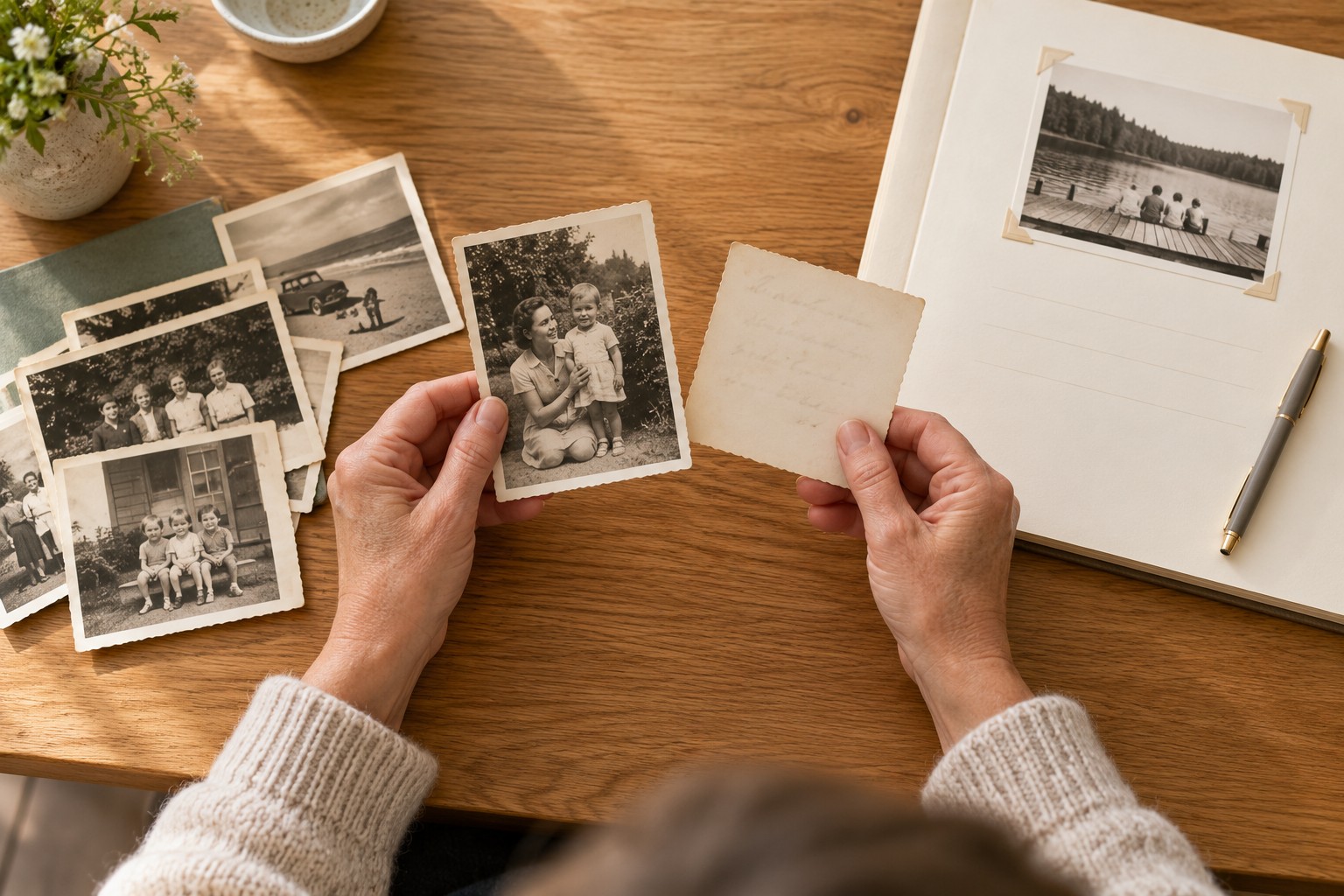
The name on the back. The house everyone remembers. The story someone always tells at the table. Give those details a place on the page, while keeping room for what you still hope to find out.
YOUR HOBBY. YOUR PACE.
Choose from 24 arrangements for portraits, gatherings, homes, letters and more. Each comes in US Letter and 12 × 12.
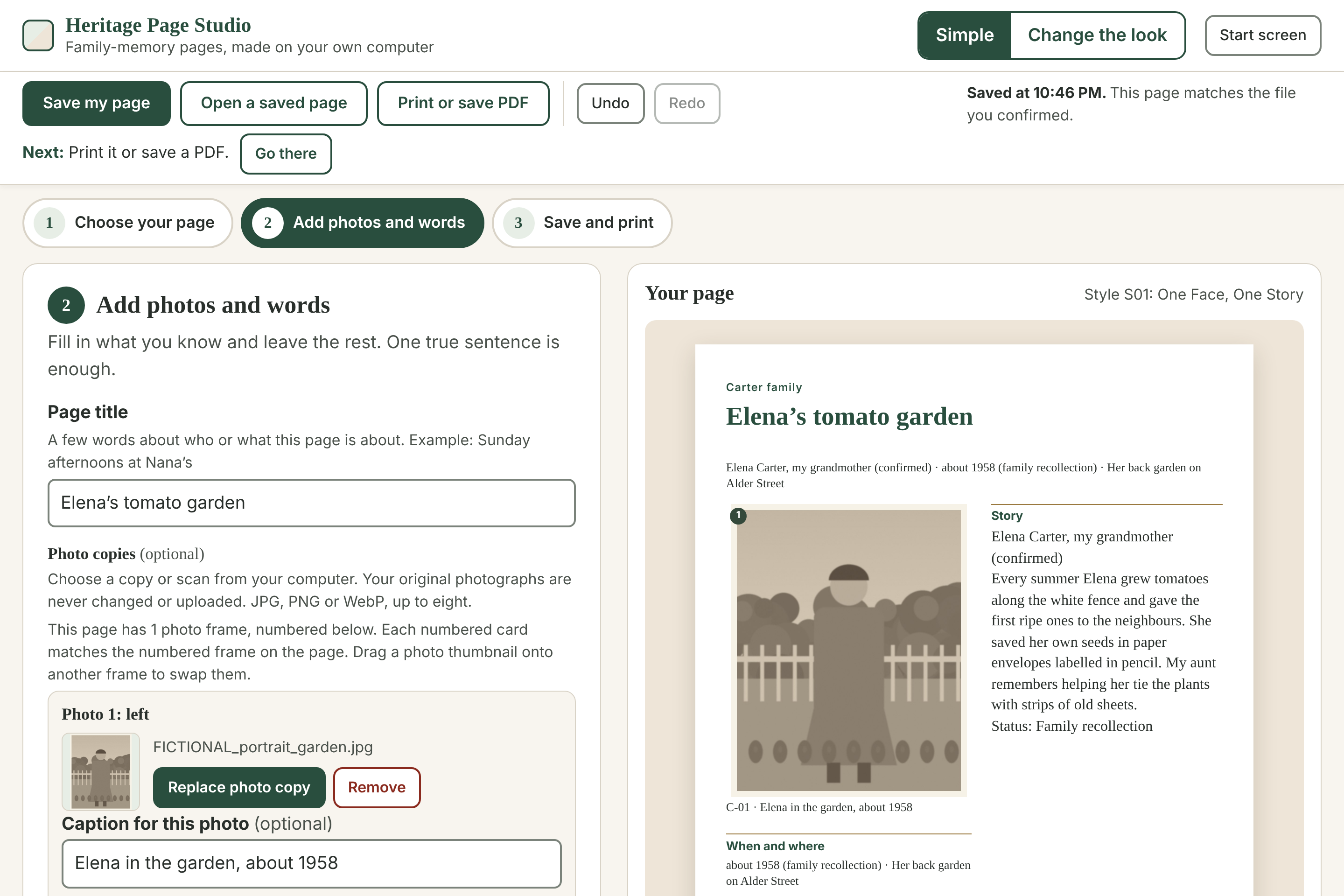
Add names, dates and one remembered detail. Record a source and mark what is known, remembered or still uncertain.
Click a section to edit it. Change colours and fonts, add sections or rearrange them. Simple mode needs no dragging.
Save an editable page file to your computer. Open that file in the builder when you are ready to carry on.
THE COMPLETE DIGITAL TOOLKIT
Start with the builder or a printed page plan. The workbook and planner are optional, so you can keep your process as simple as you like.
One HTML file. Choose a style, add photo copies and words, then save or print. Works locally on a computer.
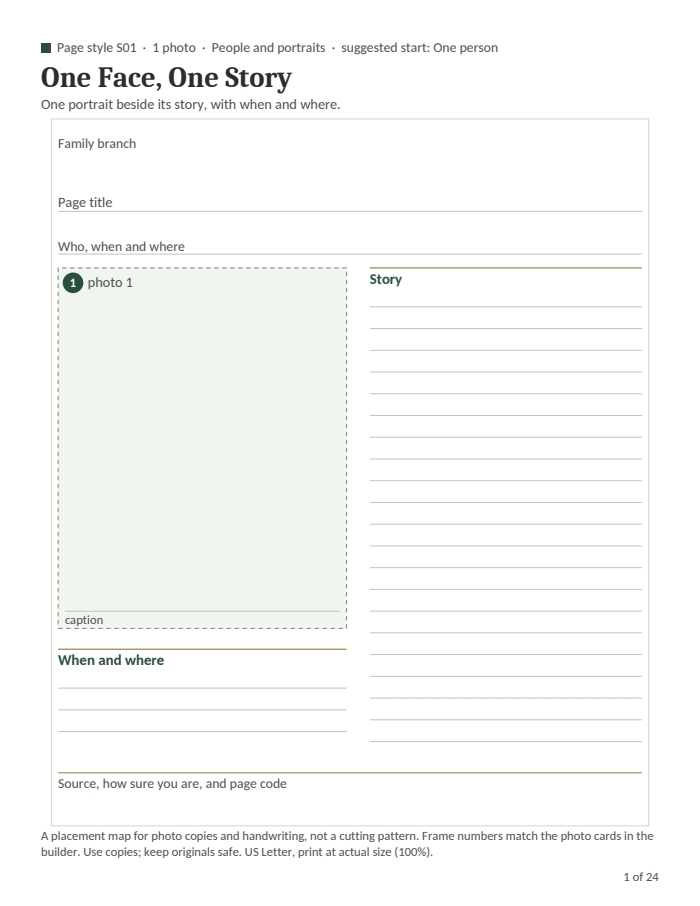
All 24 styles in US Letter and 12 × 12. A paper-first option for those who like to write and arrange by hand.
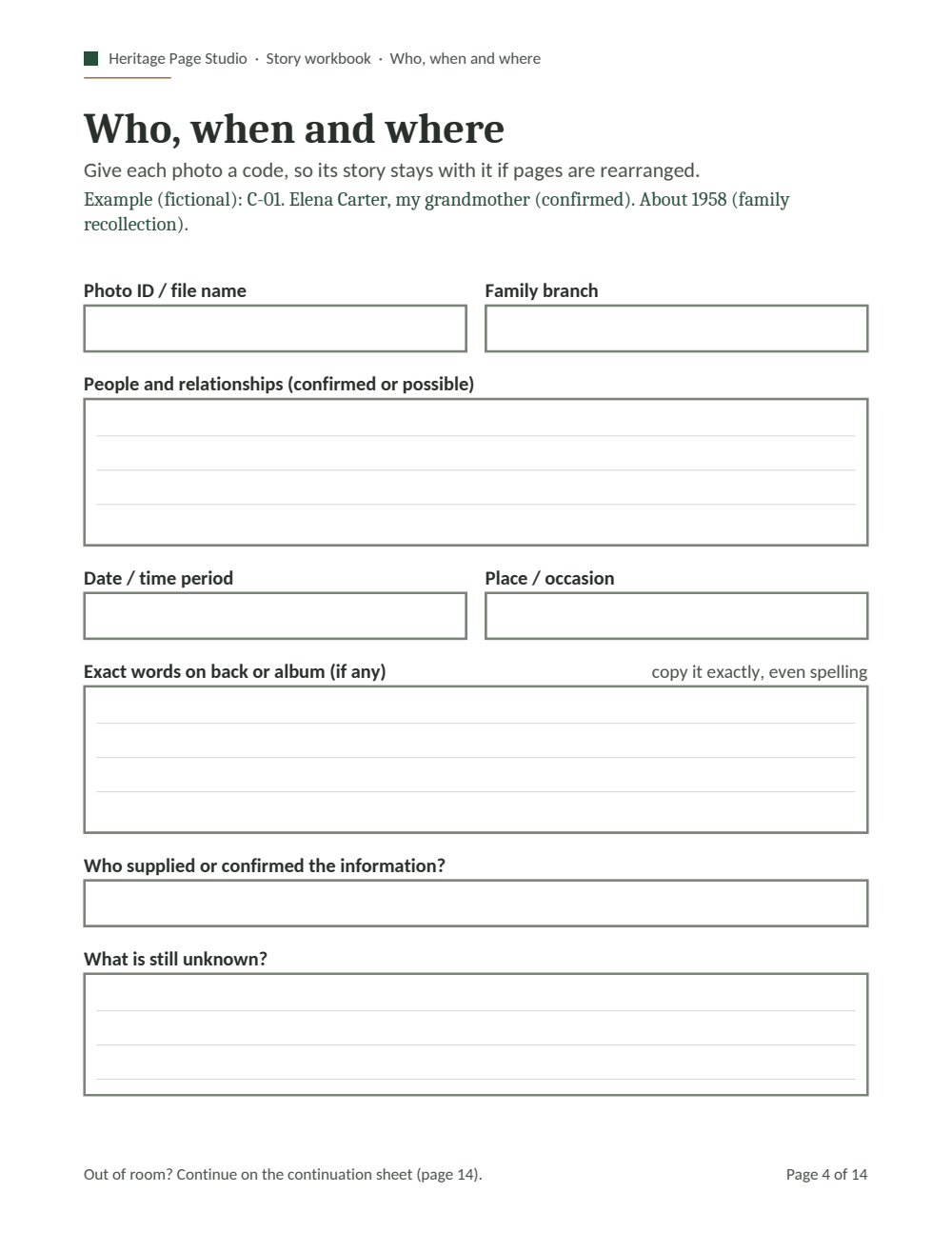
14 pages with 77 fillable fields for people, stories, captions, originals and your next small step.
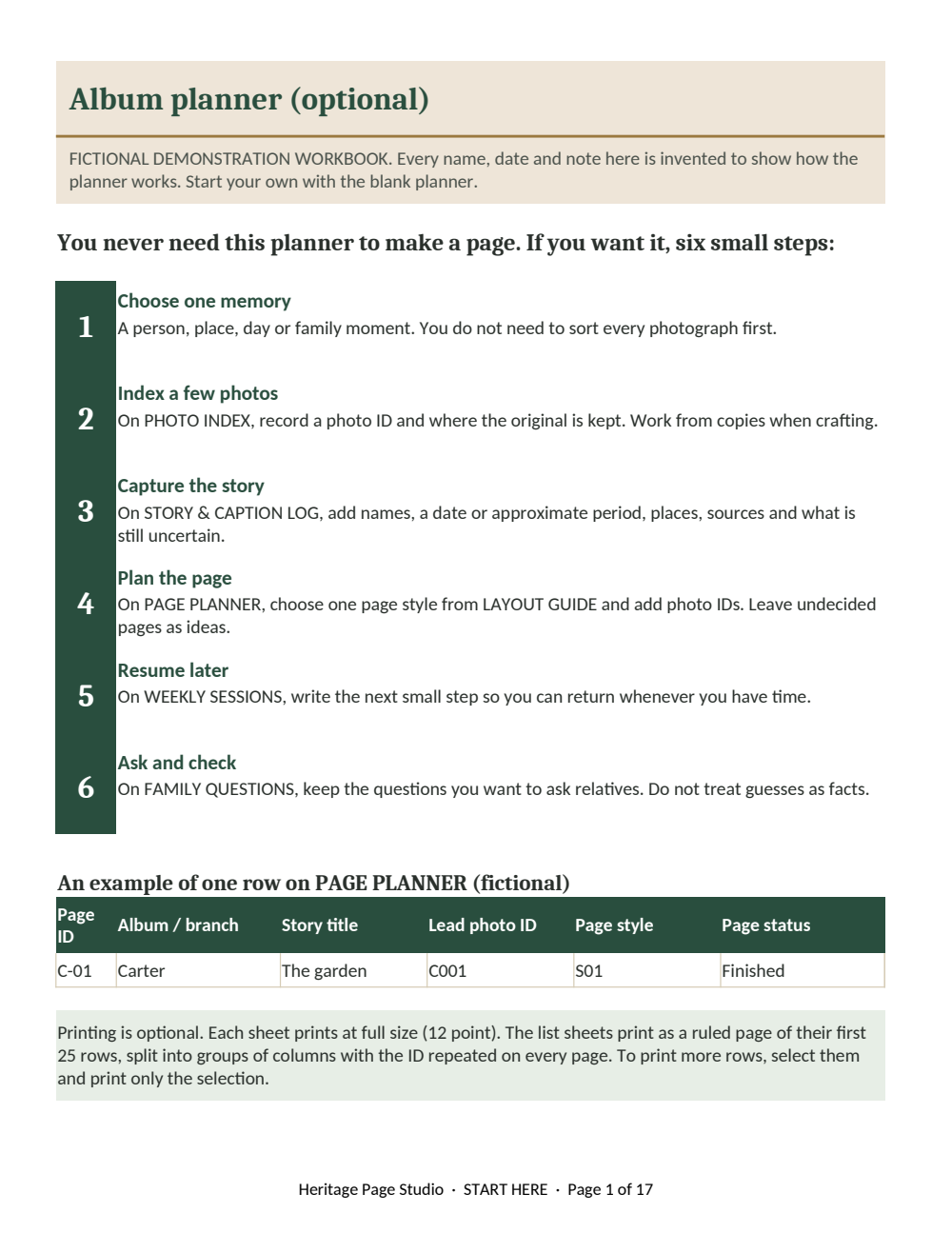
A nine-sheet Excel workbook for photos, family questions, pages and album progress. CSV alternatives included.
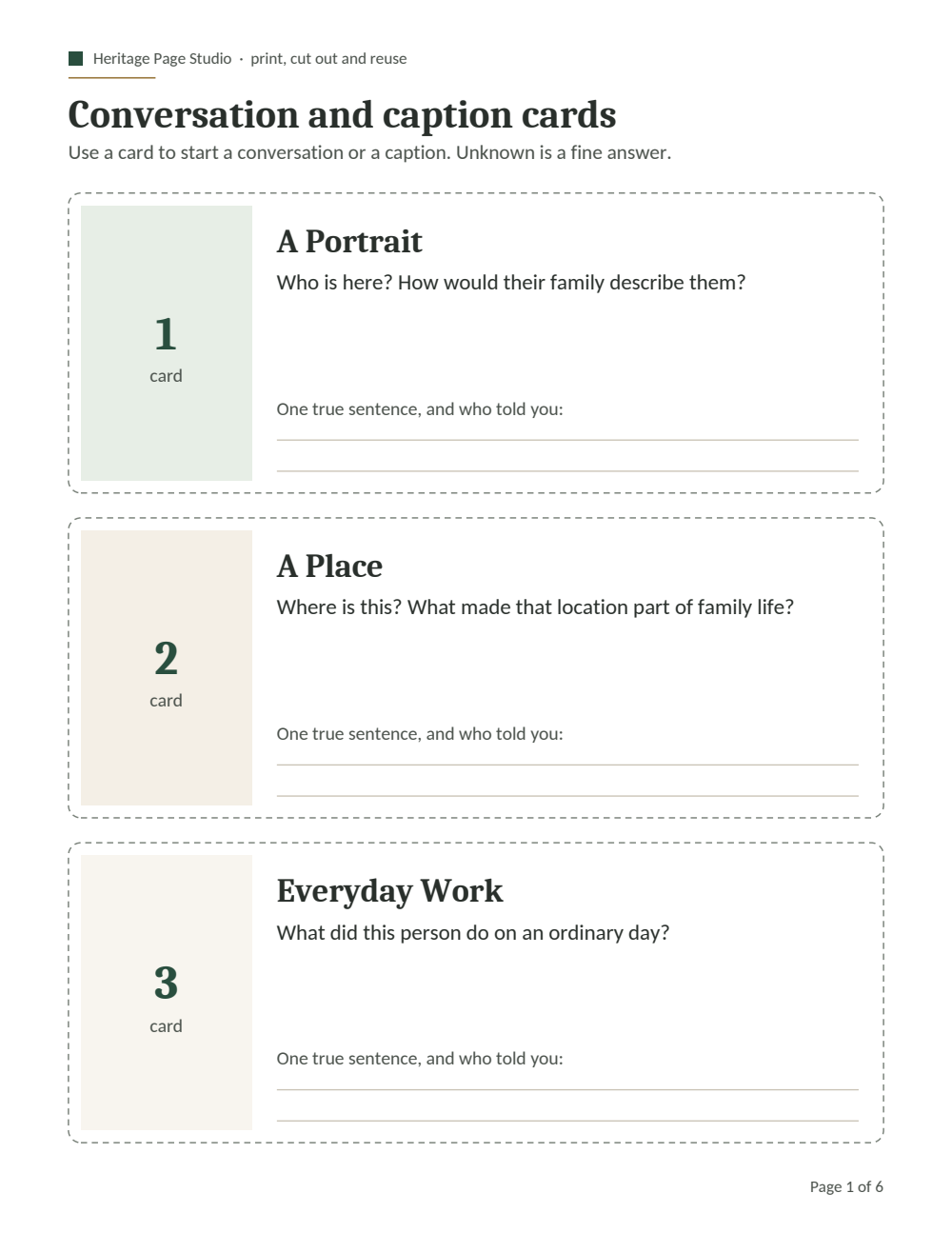
Printable prompts and conversation cards, plus editable Word and plain-text templates.
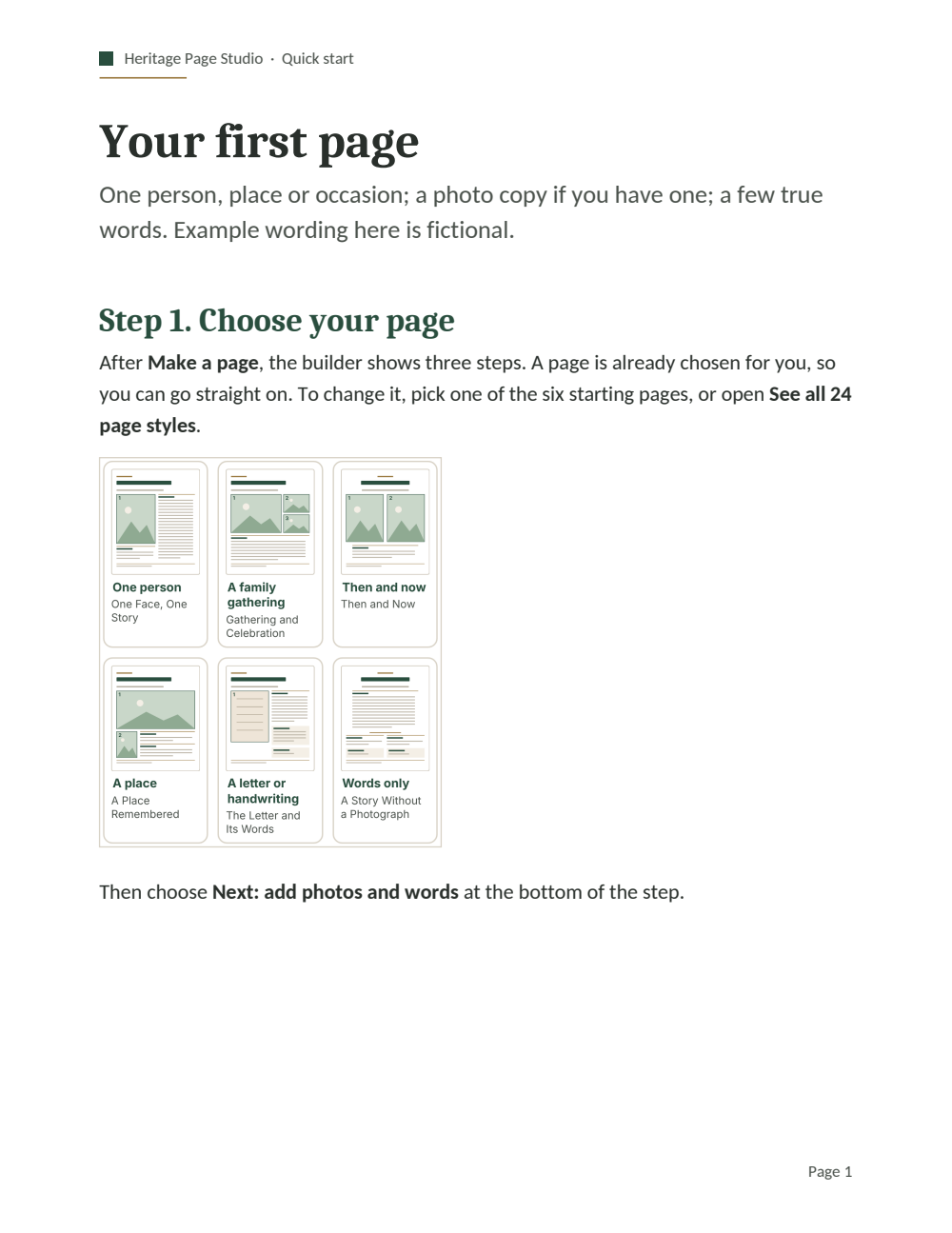
Quick start, printing, file formats, photo preservation and troubleshooting. Three editable fictional examples.
FROM A MEMORY TO A PAGE
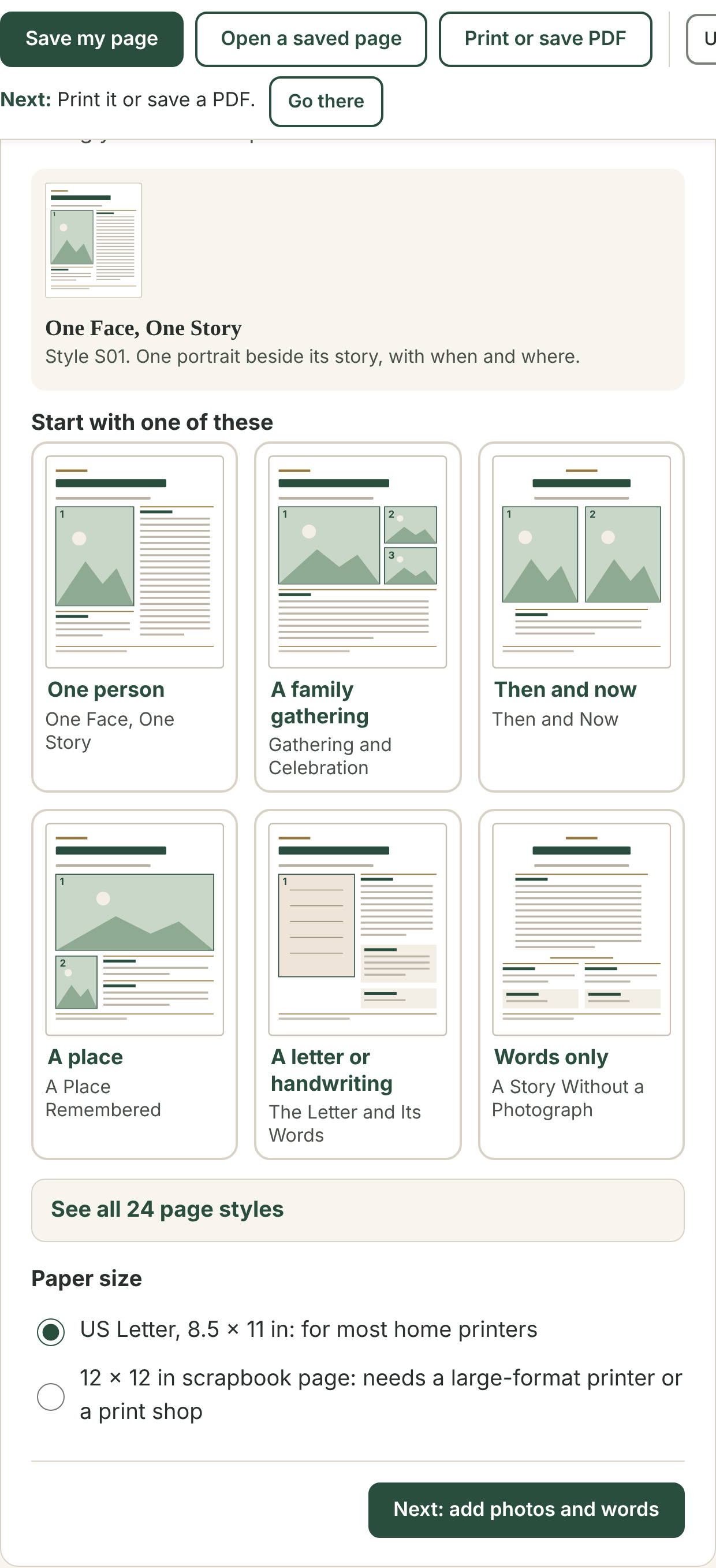
Start with one person, a gathering, a place or a letter. Pick a page style that suits the memory.
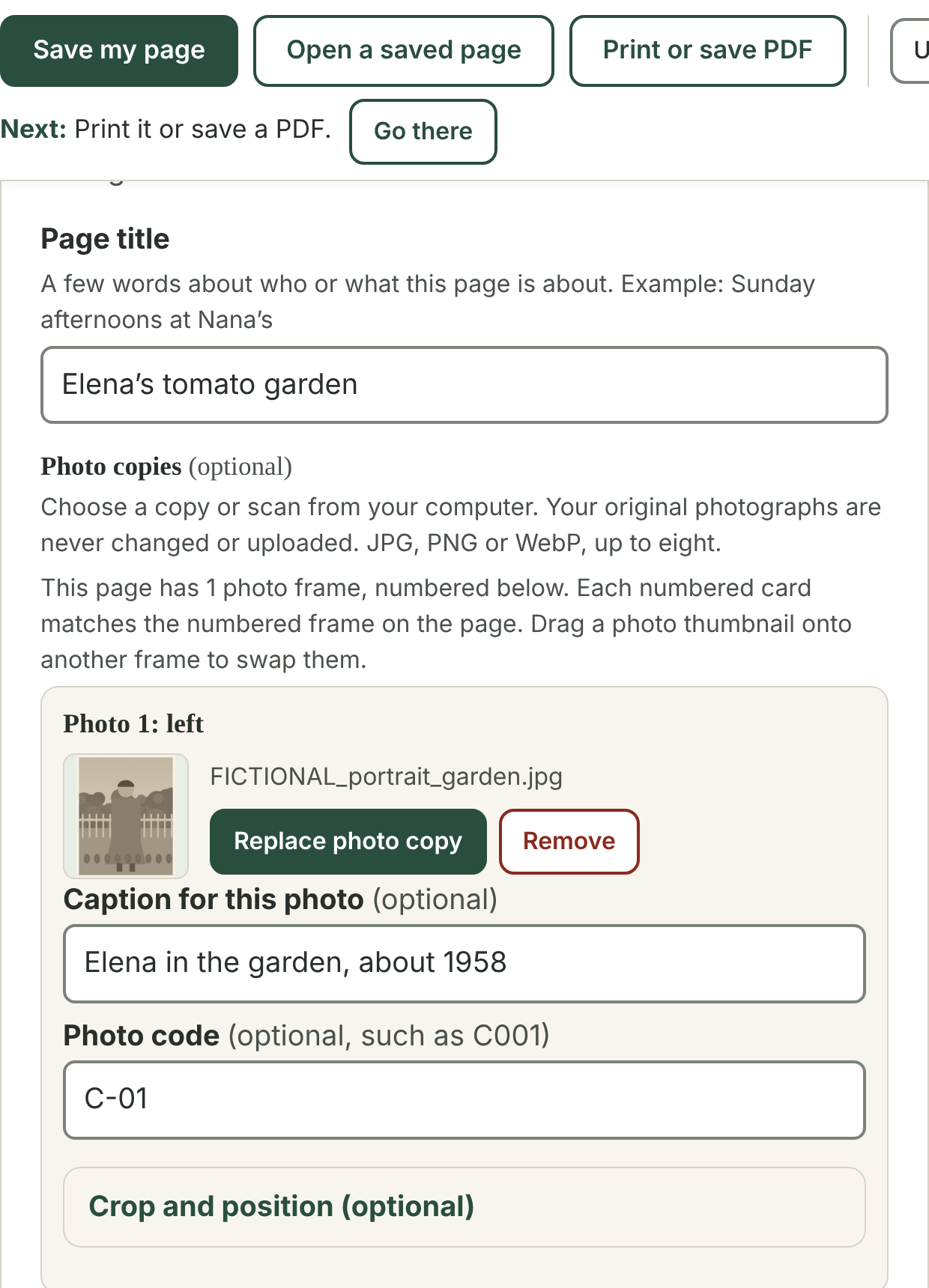
Click a section to edit. Add a photo copy, a few names and the story in your own words.
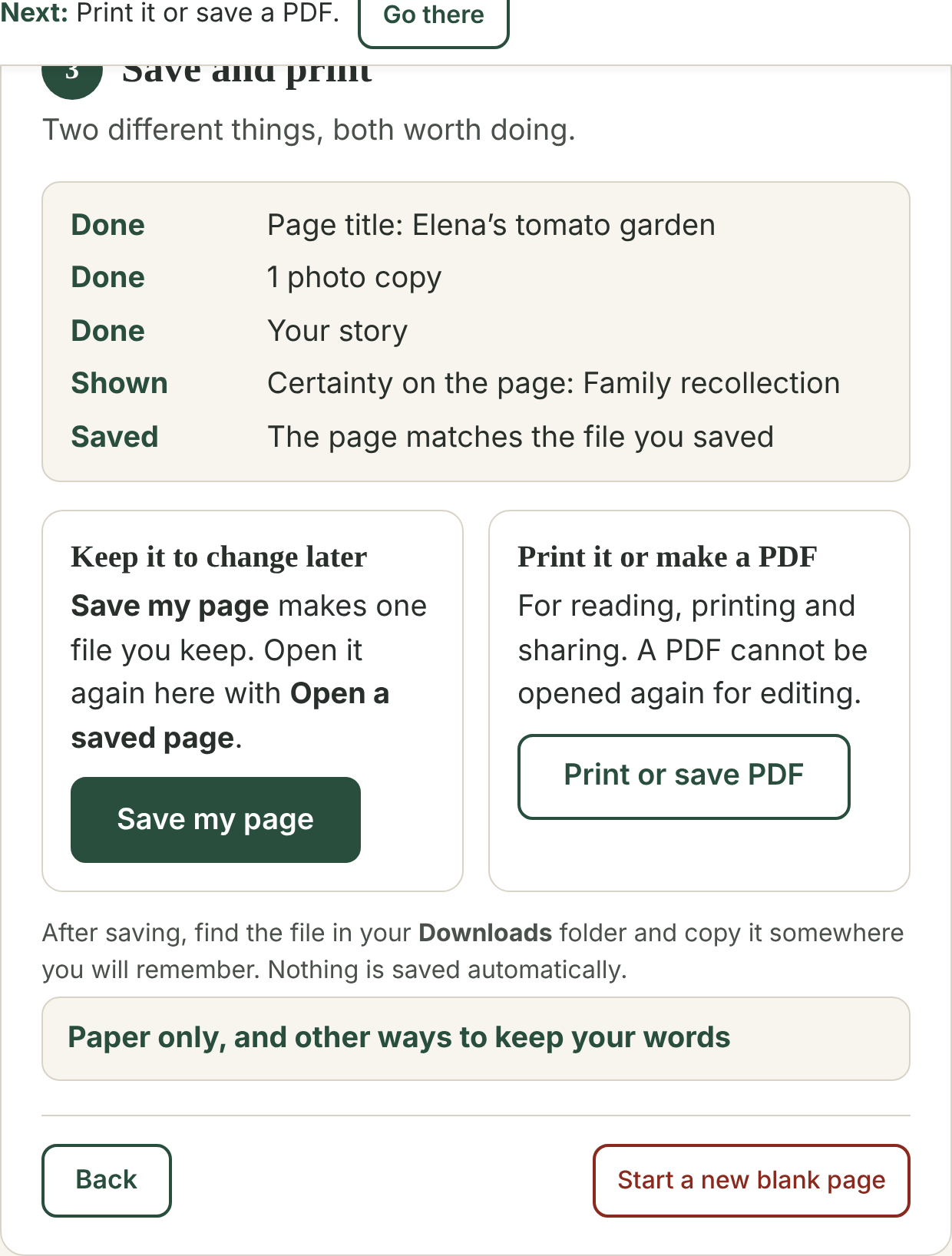
Save the editable page file, then print or save a PDF. Keep the project to open another day.
SEE WHAT YOU CAN MAKE
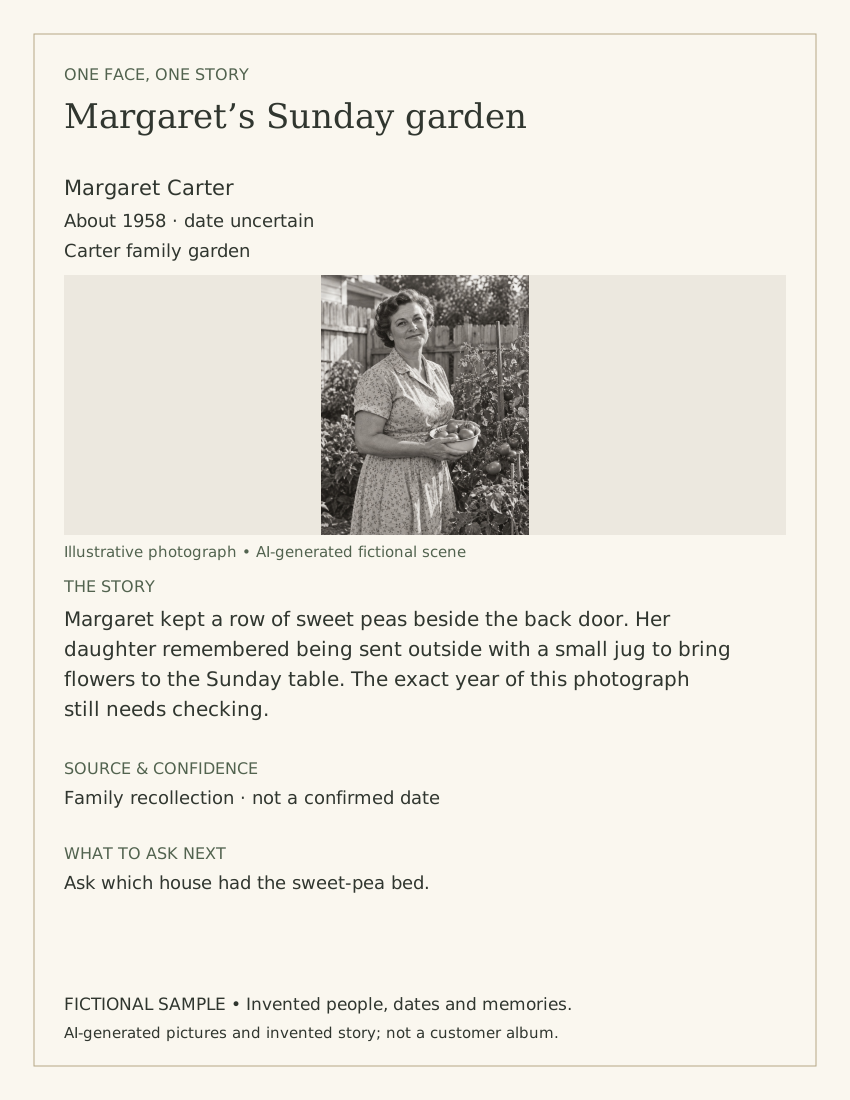
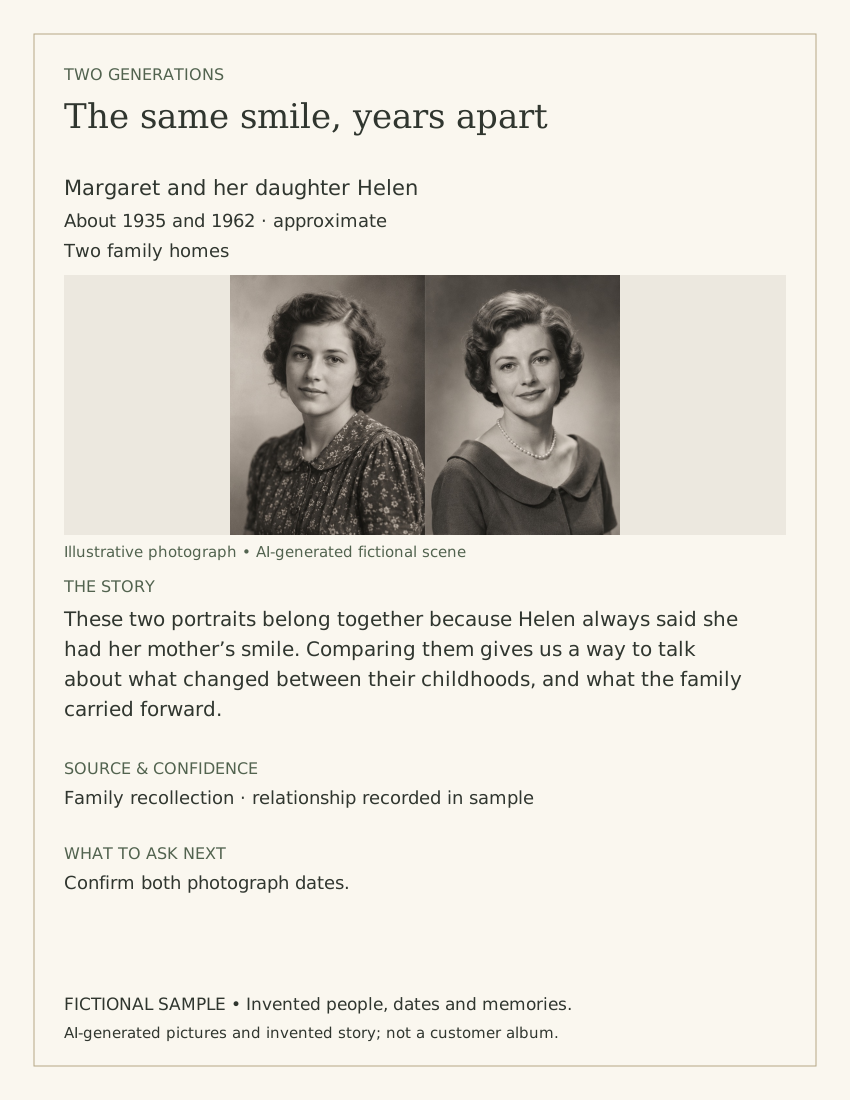
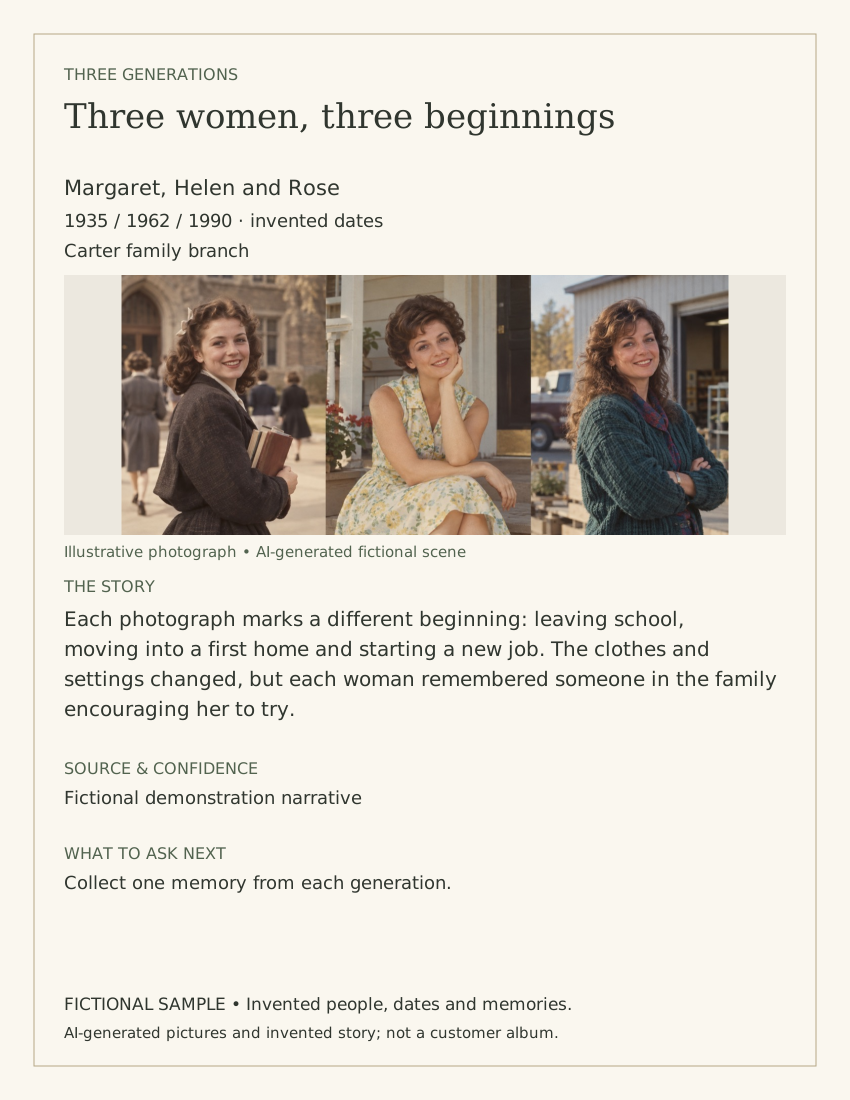
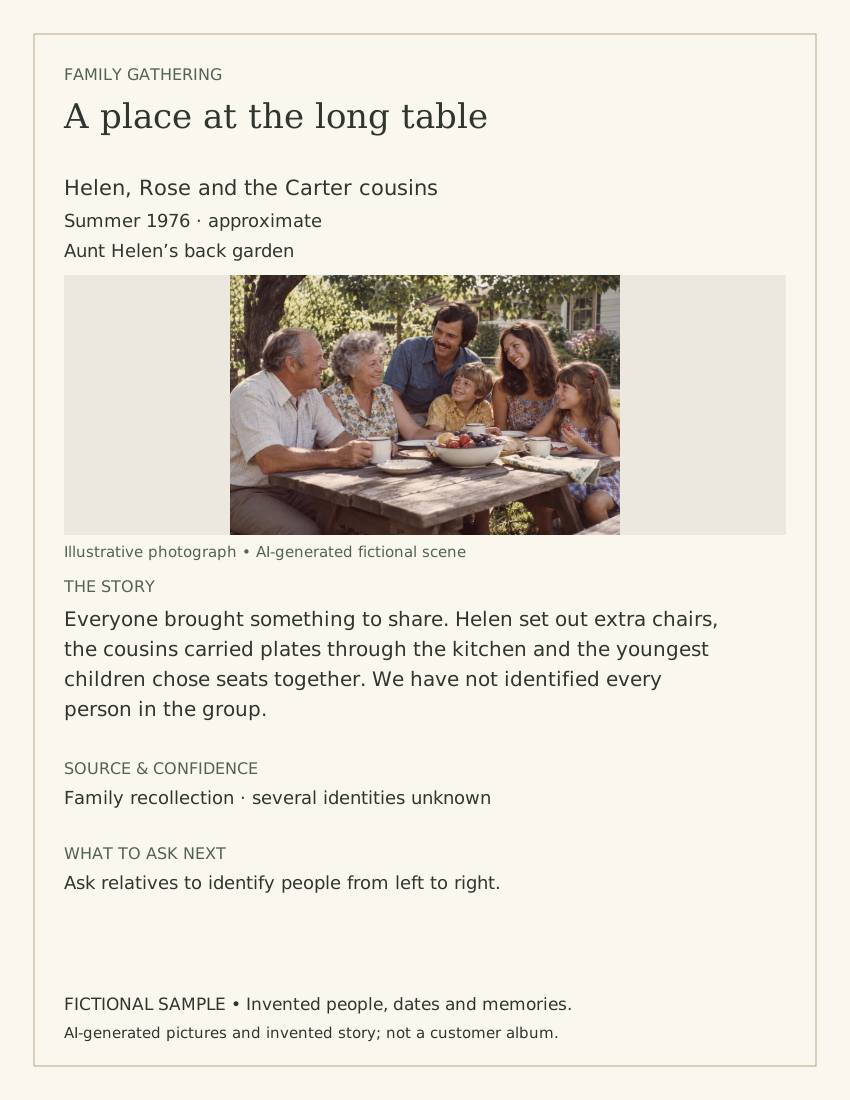
Three finished pages printed by the real builder. Their people and stories are fictional, and the practice pictures are drawn illustrations.
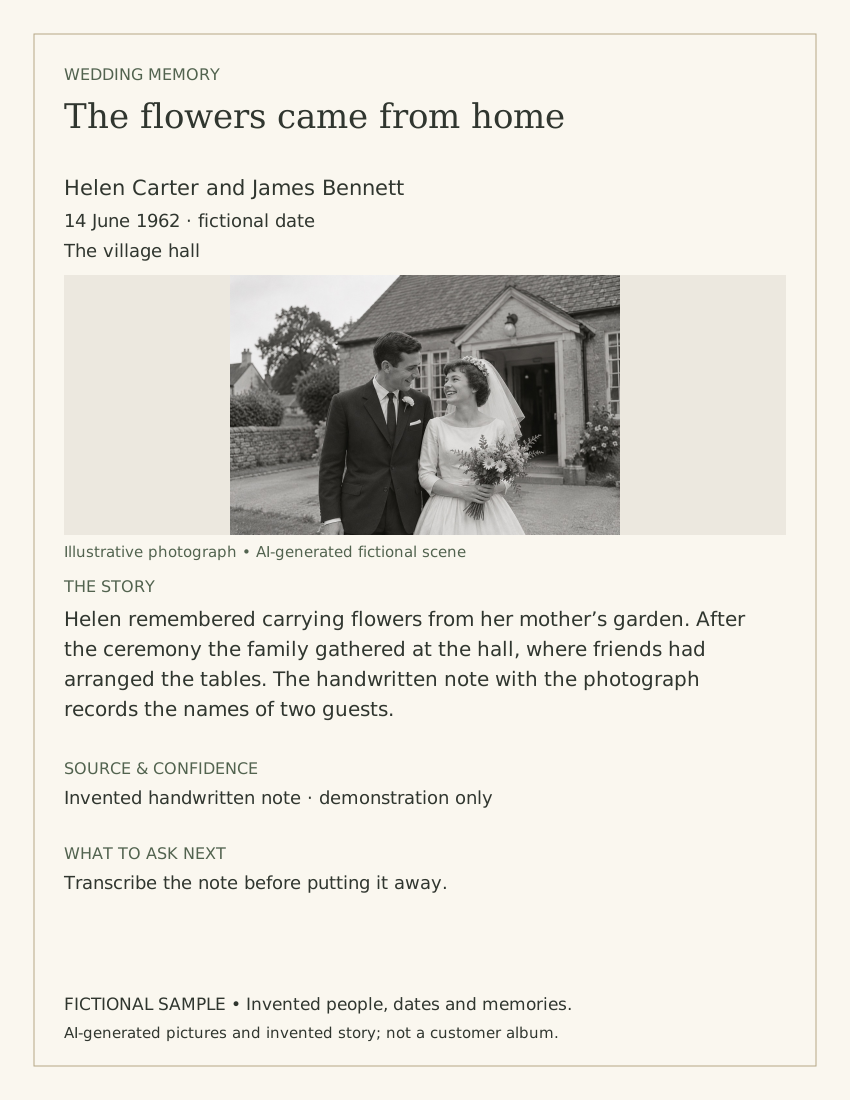
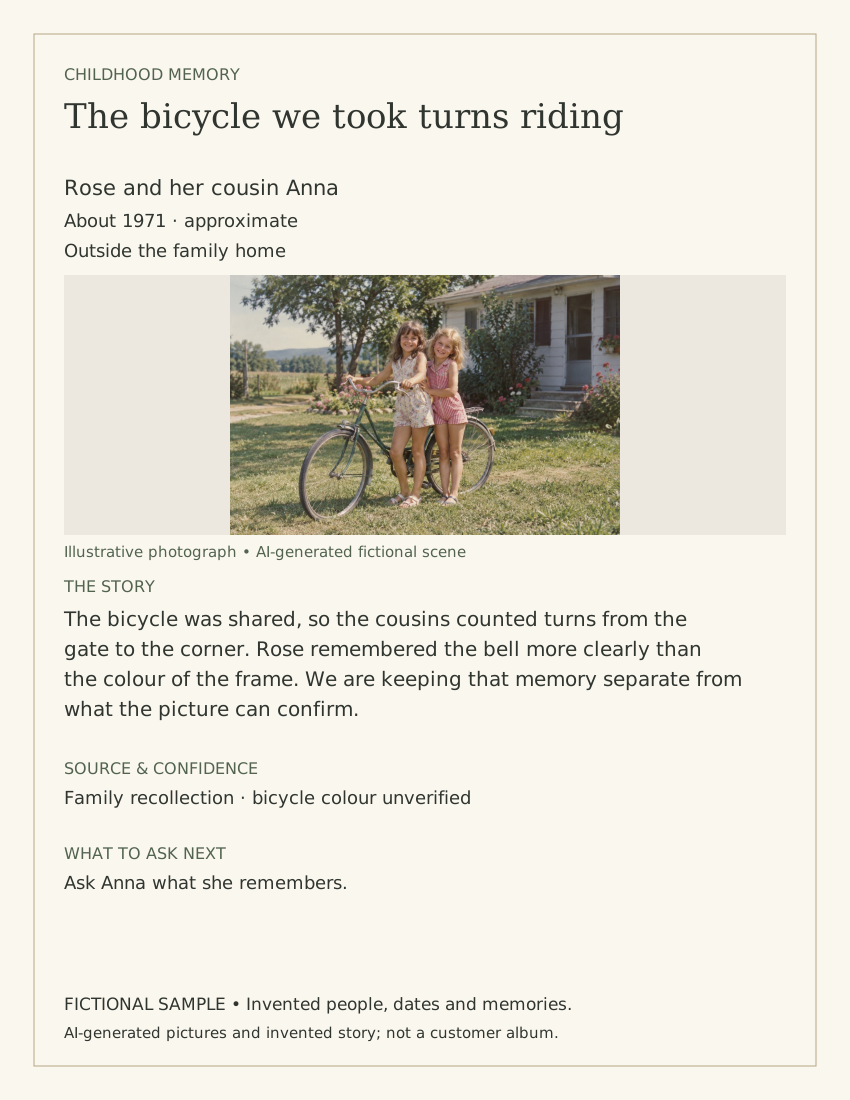
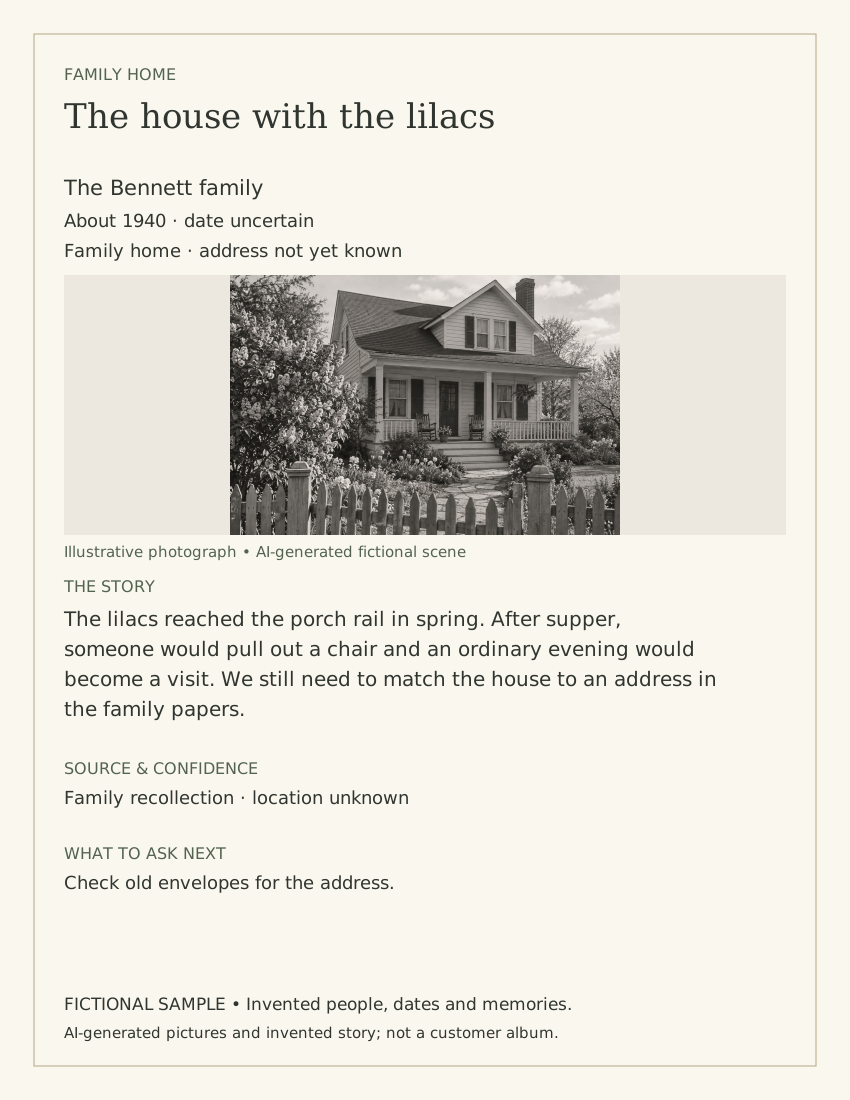
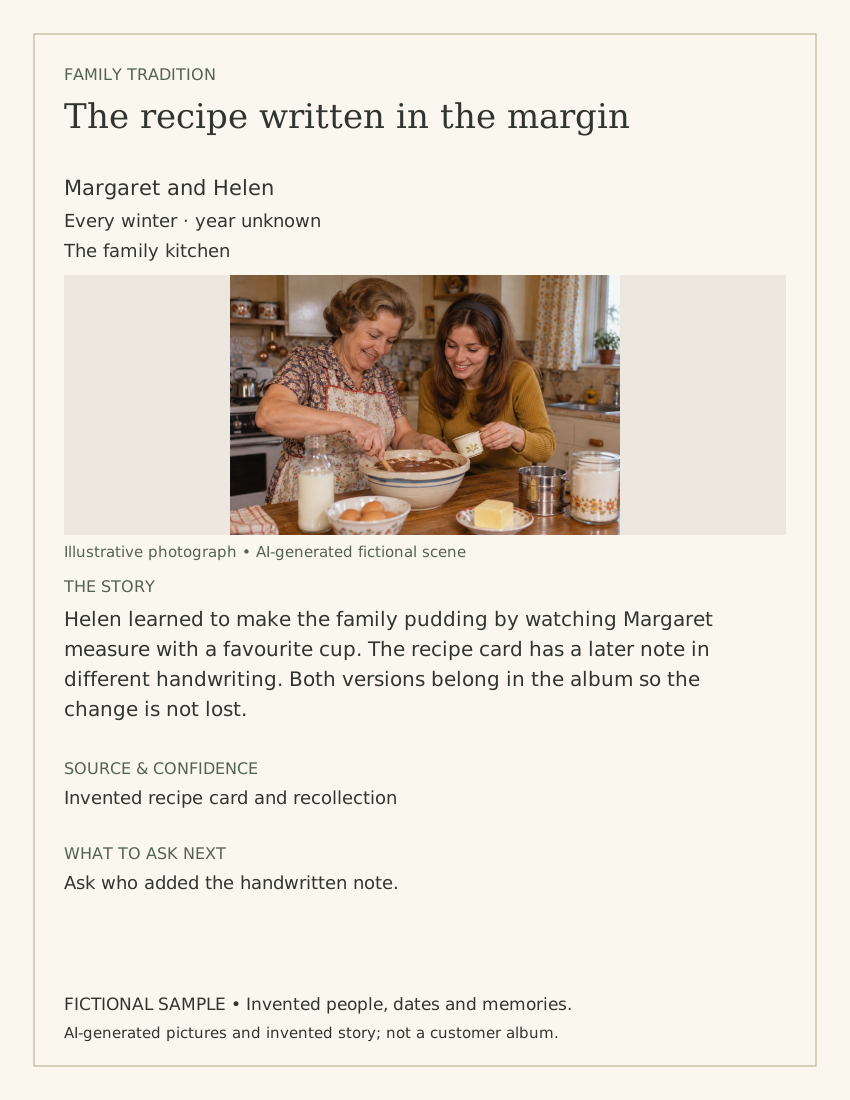
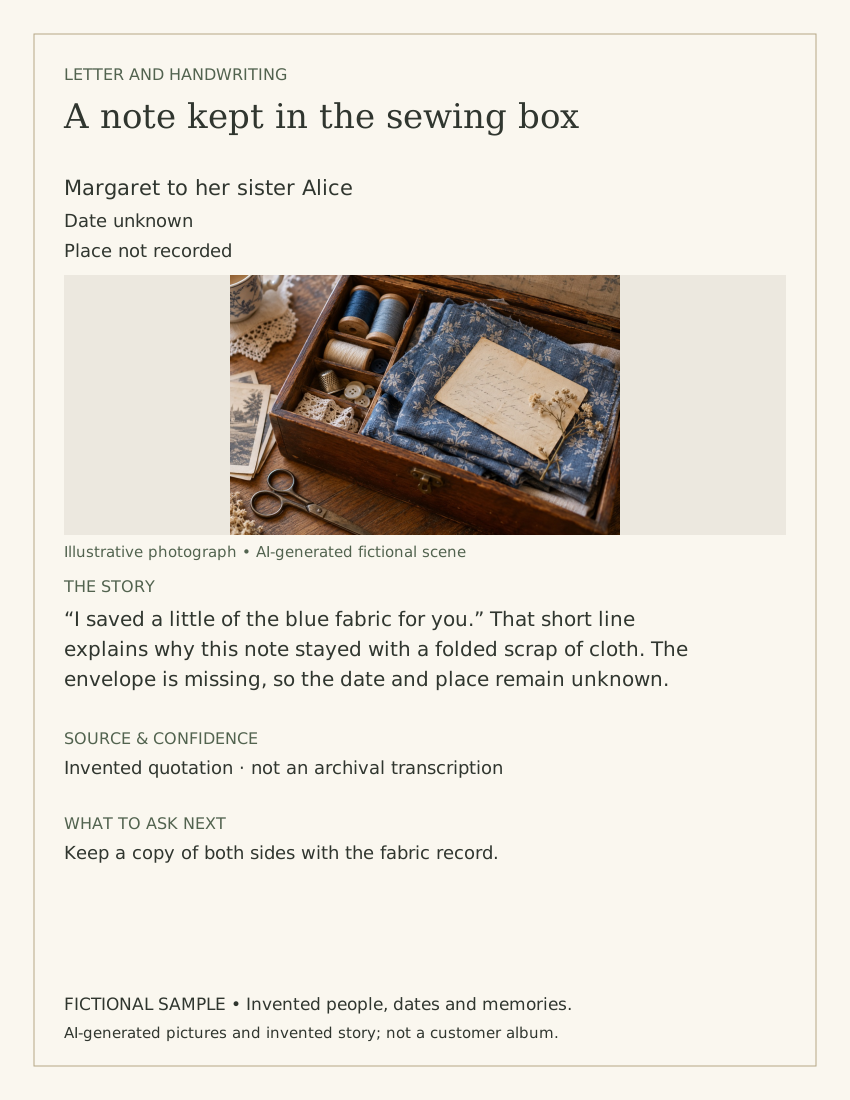
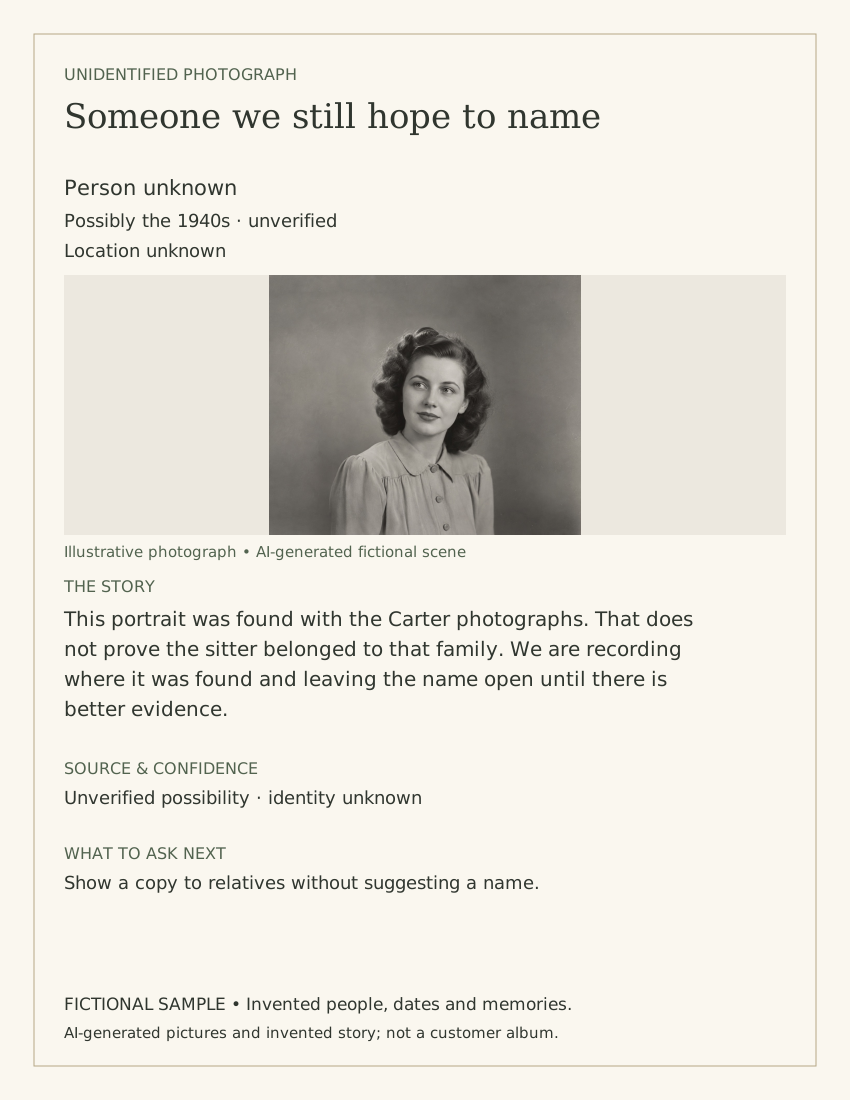
Additional fictional writing examples with AI-generated pictures. These are reference compositions, not screenshots of builder presets or real customer albums.
MAKE IT FEEL LIKE YOUR ALBUM
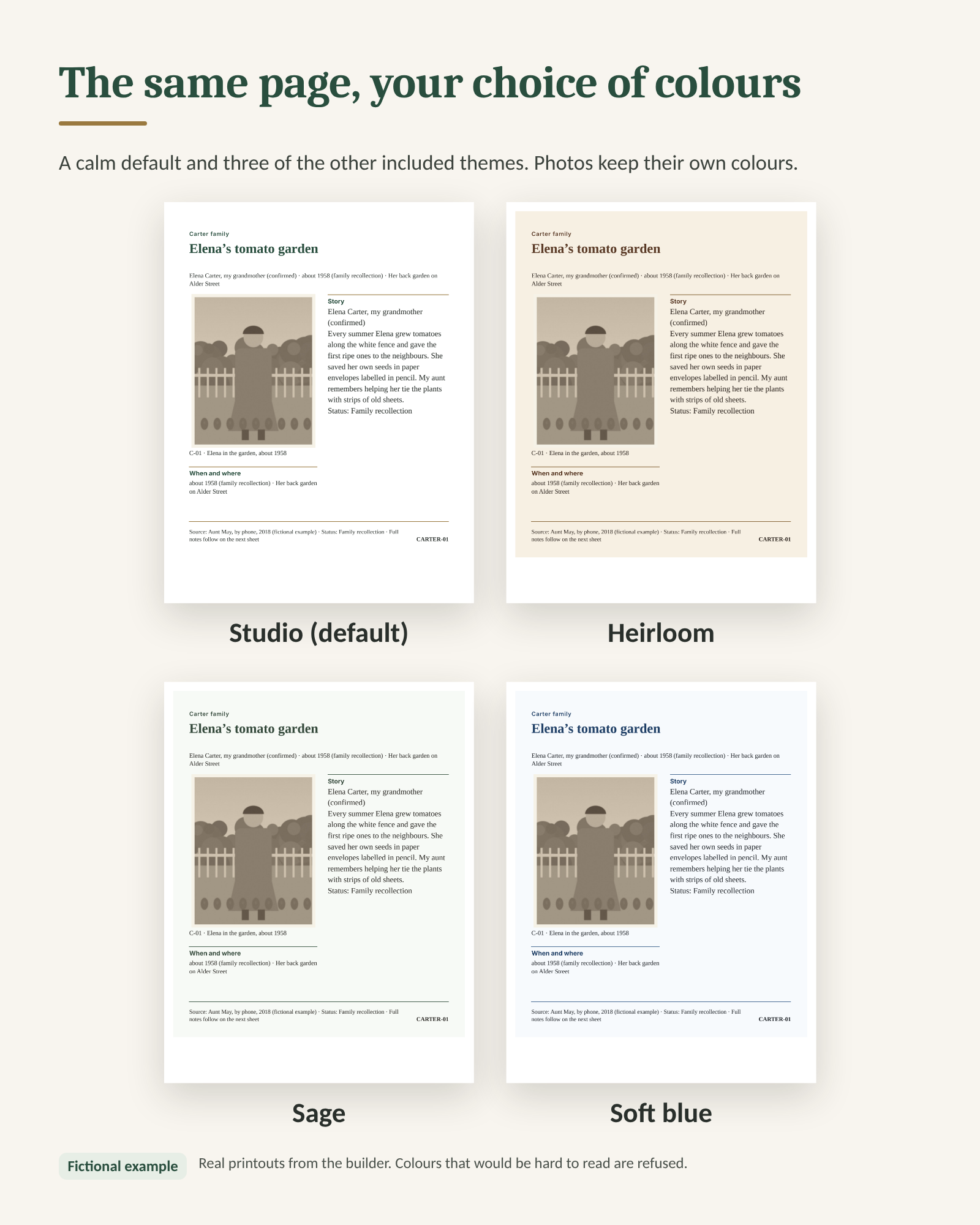
Keep the included look, choose another theme or make your own adjustments. Add a caption, a quotation, a recipe or another piece of the story.
A PLACE FOR YOUR NEXT FAMILY STORY
Keep your creative hobby. Give yourself a helpful place to begin.
HERITAGE PAGE STUDIO
No subscription. No physical items shipped.
Add to cart · $49Review your cart, then continue to Whop checkout.
After your purchase
Open the toolkit in your Whop library, then Files. Download the ZIP, extract it on your computer, and start with START HERE.
Desktop/laptop recommended. You may need to sign in to Whop to retrieve your purchase. The downloaded builder needs no account.
A FEW HELPFUL ANSWERS
A downloadable ZIP containing 42 files: the offline builder, printable page plans, workbook, planner, story tools, guides and three fictional practice projects. It is a digital product. No album, printed pages, laptop or craft supplies are shipped.
Complete the one-time purchase through Whop. Open Heritage Page Studio in your Whop library, then open Files. Download the ZIP and extract it on your computer. Whop may ask you to create an account or sign in so you can return to your purchase.
A desktop or laptop is recommended. The builder has a responsive editor and touch-emulation checks, but opening a downloaded HTML file, saving and printing on actual iPhones, iPads and Android devices have not been verified. Please buy for computer use, not a phone-only workflow.
This offer is $49 USD once, with no subscription. Internet is needed to purchase and download through Whop. After downloading, the builder works locally without internet, an app account or external services. The optional planner needs compatible spreadsheet software; PDF forms need a form-capable reader.
The offline builder processes the photo copies you select inside your browser. It has no photo-upload API, tracking or account requirement. Your saved project contains your selected photo previews and family writing, so keep it private and backed up. Whop separately handles your purchase and account.
Yes. Choose another page style, change colours and fonts, adjust photo placement, add a section or rearrange the page. Your story is retained when switching styles; extra sections may be kept in your notes. You can undo edits. Custom arrangements can overlap, so check your page before printing.
Leave it unknown, write an approximate date, or label a possibility. Record who told you and what still needs checking. The notes sheet keeps the full writing, including text that does not fit on the designed page.
Save my page creates an editable .hps.json file to reopen in the builder. Print or save PDF creates a printable copy. Saving is manual, not automatic. US Letter works with common home printers; 12 × 12 needs a suitable large-format printer or print shop. Physical printer results vary.
Open your Whop account to find your purchase and its support options. The toolkit includes a troubleshooting guide and illustrated instructions. Review the checkout terms and any applicable refund policy before purchasing; no additional money-back guarantee is advertised here.
Need the device details? Read the device and browser guide (PDF).